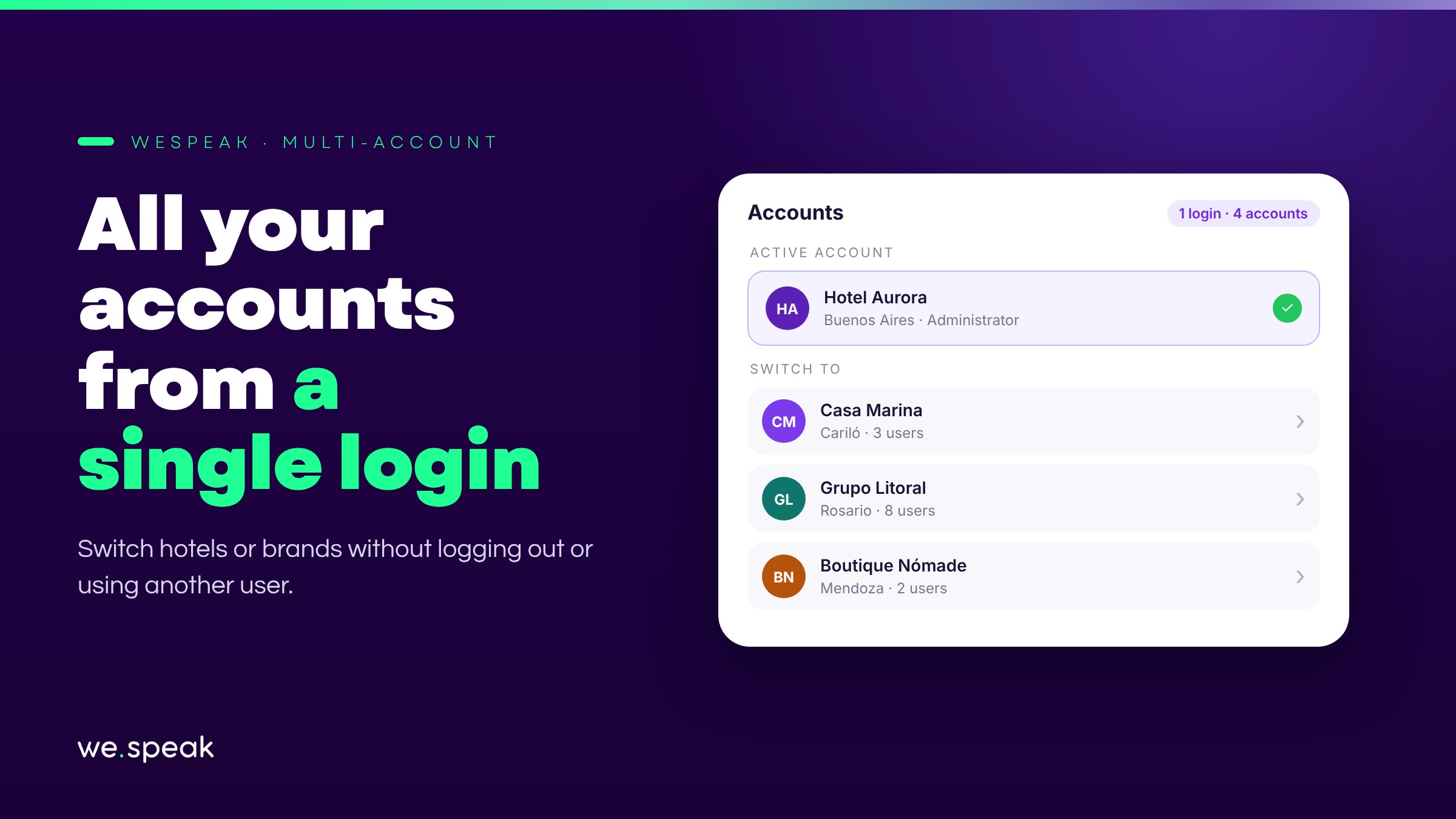
We're launching Multi-account, designed for teams that manage more than one hotel or more than one brand in WeSpeak.
Until now, handling several accounts meant logging out and logging back in with another user every time. With Multi-account, all of that goes away: you log in once and move between the accounts assigned to you from the same place.
How it works
- An account switcher at the top of the side menu, below the logo, which appears when you have access to more than one account.
- You switch accounts without losing your session or your notifications.
- Each account keeps its own channels, contacts, and settings, completely separate.
Multi-account is designed especially for hotel chains and agency teams that manage WeSpeak for more than one client or property.
Next steps
Already a WeSpeak customer? If your user has access to more than one account, you'll see the switcher at the top of the side menu, below the logo. To add someone to another account, invite them from Team with the same email.
Not using WeSpeak yet? If you manage several hotels or brands, Multi-account lets you handle them all with a single user, without mixing channels or conversations. Talk to our team and get to know WeSpeak.
More news
- General Introducing Chat Web and WhatsApp's reduced response mode September 29, 2026
- General WhatsApp changes its rules on October 1: we've got you covered August 11, 2026
- General Introducing Extras: add services to your subscription without changing plans July 27, 2026