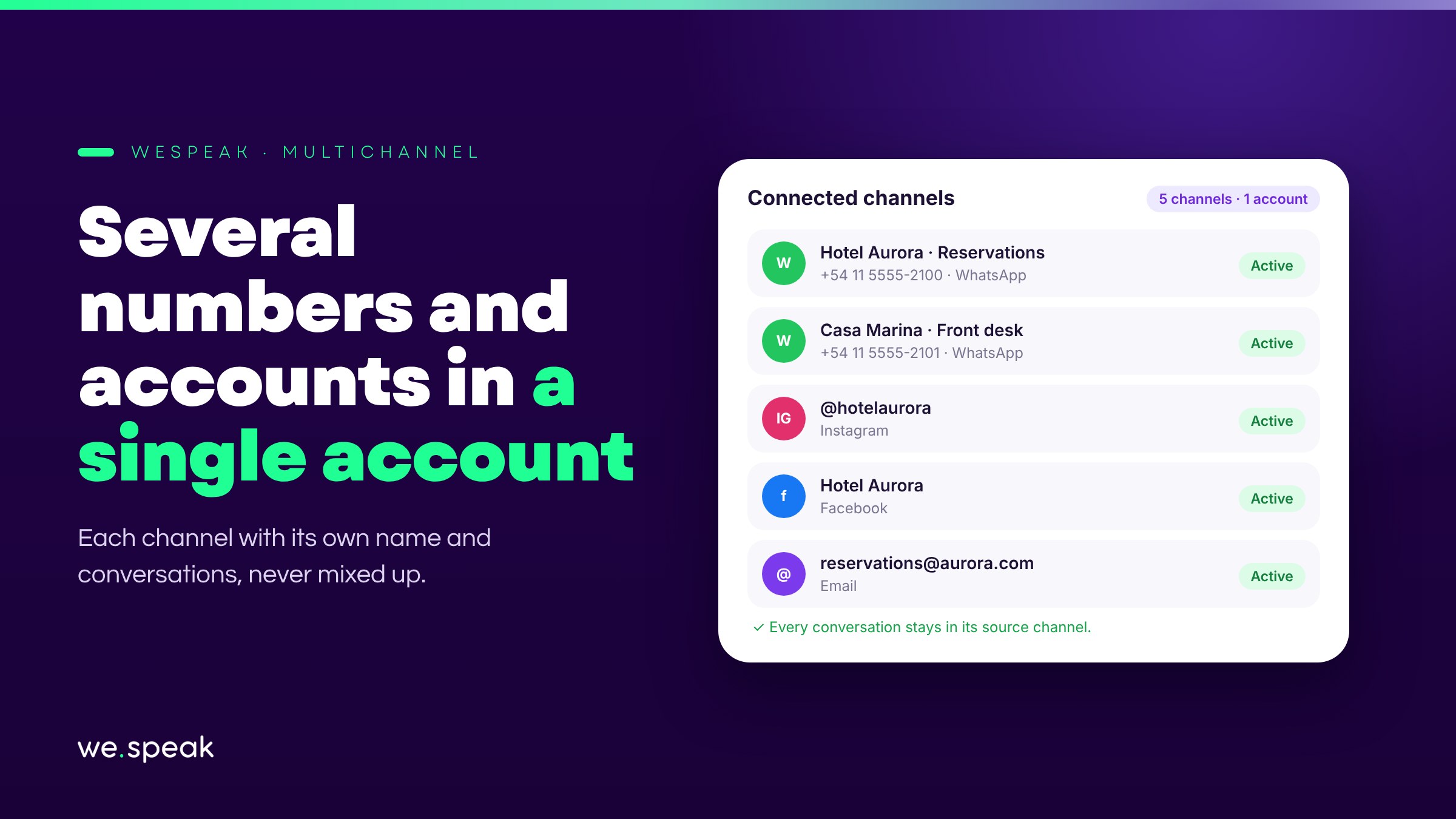
Introducing Multichannel: you can now connect multiple numbers and accounts of the same type within a single WeSpeak account.
If your hotel uses one number for Reservations and another for the Front desk, or you manage several properties or brands, you no longer have to pick just one: connect all the ones you need and track each conversation by its exact source.
What's included
- Multiple WhatsApp API numbers, Facebook pages, Instagram accounts, or email inboxes, all side by side in the same account.
- A name for each channel (for example, "Reservations" or "Front desk"), visible in chats, filters, and campaigns — much clearer than seeing "Facebook" or a long, unidentified number.
- Conversations kept separate by channel: if the same guest writes to you on two different numbers, each inquiry stays in its own conversation, without getting mixed up, and is always answered through the same channel it came in on.
- Filters by specific channel, in Conversations and in the Funnel, so you can see only the conversations from one particular number or page.
- When you send a campaign or add a contact, if you have more than one channel of the same type, you choose which one to use — by the name you gave it, not a generic number.
- The AI assistant responds the same way across all channels, with the same knowledge of your hotel: having several numbers helps you organize where each conversation comes in, not make the assistant behave differently from one property to another.
Multichannel is ideal for hotel chains, hotels with several guest-service departments (Reservations, Front desk), or any business that needs to organize where each conversation comes in.
Next steps
Already a WeSpeak customer? Go to Channels: the Connect button stays available even if you already have one of the same type.
Not using WeSpeak yet? If you manage several properties, brands, or support lines, Multichannel lets you keep them all organized in a single account, without mixing conversations. Talk to our team and get to know WeSpeak.
More news
- General Introducing Chat Web and WhatsApp's reduced response mode September 29, 2026
- General WhatsApp changes its rules on October 1: we've got you covered August 11, 2026
- General Introducing Extras: add services to your subscription without changing plans July 27, 2026