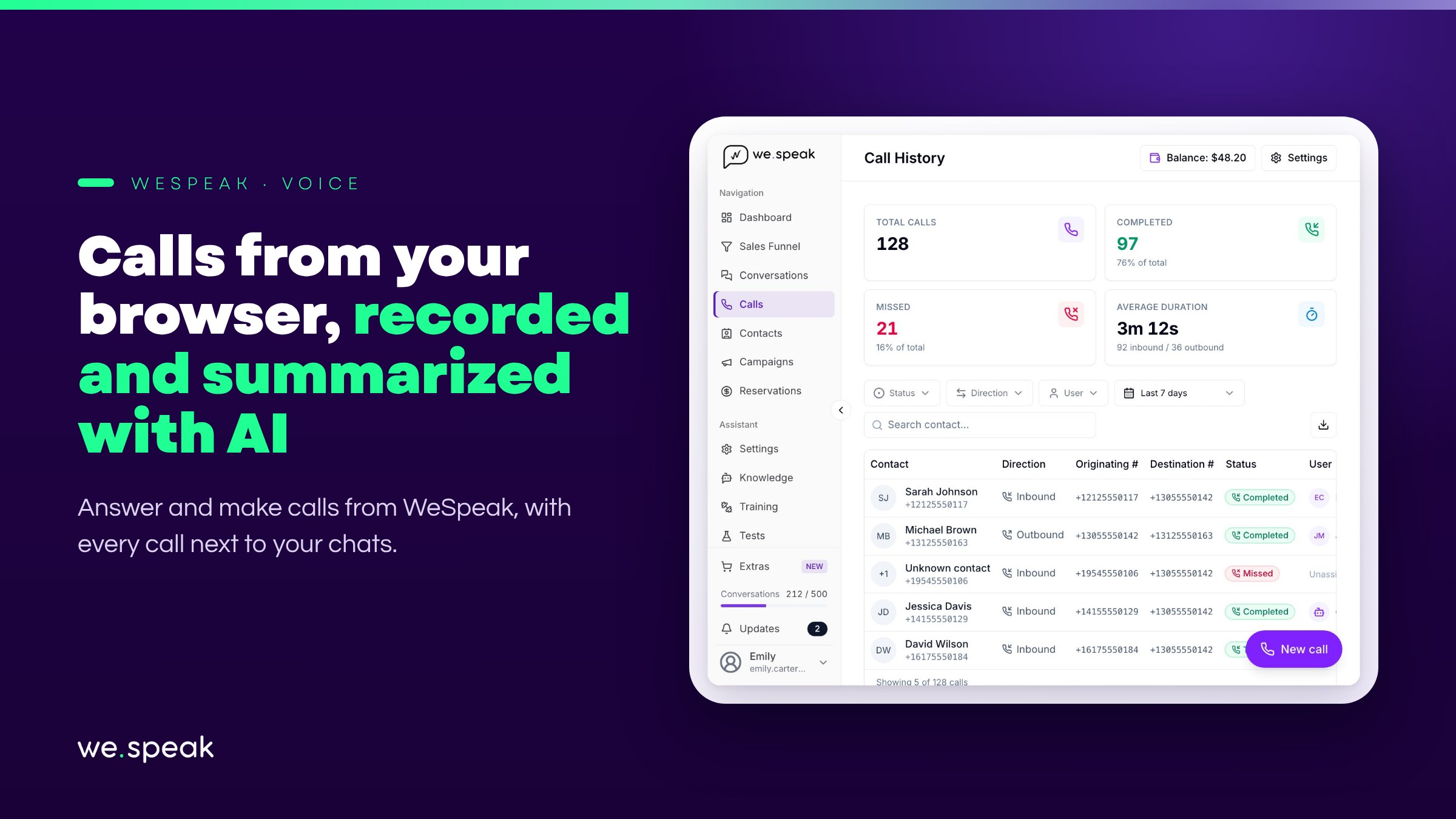
Today, a guest who would rather call than write usually ends up outside your panel: their inquiry lives on a separate phone, with no history shared with the rest of the team and no record in the place where you already track everything else. WeSpeak Voice closes that gap: your team answers and makes calls from the browser — with nothing to install, no phone system, and no physical phones — and every call is recorded, logged, and linked to the contact, in the same panel where your chats already live.
What's included
- A phone in your browser (softphone): answer, mute, put on hold, transfer, or hang up without leaving WeSpeak. You can also call a guest with one click from their WhatsApp conversation.
- You decide who answers each number: a call can ring every available team member at once, one person at a time in the order you set, or in rotation, based on each person's schedule and presence. A number never gets "busy": several people can be on calls from the same number at the same time.
- Call recording, incoming and outgoing, with full history, filters, and export.
- AI transcription, summary, and follow-up: when you hang up, WeSpeak Voice Insights transcribes the call, summarizes what was discussed, and leaves you a WhatsApp follow-up message ready to send, in the guest's language.
- Every call is just another conversation: it shows up in your inbox with its own icon, its summary ("Incoming · 2:14", "Missed call"…), and its recording — and also inside the same contact's WhatsApp chat, so you can see the whole story in one place.
- Configurable call flows: you define what happens with each call: it rings your team, gets redirected to another number, offers an options menu (IVR), or sends a WhatsApp follow-up if nobody answers.
- AI voice assistant (beta): it answers on your team's behalf when nobody is available, at night or on weekends. It answers questions, quotes with real availability and, if you have WeSpeak Payments, sends the payment link over WhatsApp.
Why it matters
Today, a missed call usually means a lost inquiry: nobody logs it, nobody knows it happened, and there's no way to return it from the same place where everything else is managed. With WeSpeak Voice, an unanswered call shows up as an unread conversation, so you can call back with one click. And with a call flow in place, it doesn't even have to wait for someone to notice it: it's forwarded automatically, the voice assistant picks it up, or it triggers an automatic WhatsApp.
How you pay
- The number: a one-time setup fee plus a recurring fee billed together with your WeSpeak plan. You buy it from Extras, and the same number also works as your WhatsApp Business (API) number.
- Usage: with Call credit, a prepaid balance in USD that never expires and stacks up. Minutes, recording, transcription, and the voice assistant's time are all debited from it. Calls that don't connect don't consume credit.
- With an annual plan, you top up your credit at a 30% discount.
To estimate your spend before you start, use the WeSpeak Voice cost calculator.
Who benefits most
- Hotels that currently lose phone inquiries because nobody logs them anywhere.
- Teams that already manage everything with WeSpeak and want to bring calls into the same panel, without a separate phone system.
- Hotels that want to answer the phone around the clock without adding staff, with the voice assistant covering the hours when the team is off.
ℹ️ For now, you can't bring the number your business already uses to WeSpeak Voice: calls are answered on a new number you buy from Extras.
Next steps
Already a WeSpeak customer? Buy your number from Extras, top up Call credit, and choose who answers each number in Calls → Settings. The step-by-step is in the WeSpeak Voice guide.
Not using WeSpeak yet? If your calls currently live apart from the rest of your conversations, WeSpeak Voice brings them into the same panel, with recording, transcription, and history included. Talk to our team and get to know WeSpeak.
More news
- Business Intelligence Introducing WeSpeak Tracker October 22, 2026
- General Introducing Chat Web and WhatsApp's reduced response mode September 29, 2026
- General WhatsApp changes its rules on October 1: we've got you covered August 11, 2026